
Hotel searchability check
See whether the pages are ready for a guest to find room facts and continue to a booking.
Use the free toolWebsite Conversion & Direct Bookings
A hotel may already invest in the website, SEO, or ads and get visits. Guests still may not open availability, enter the booking system, or they leave the booking page before they finish a direct booking.
The KPI Plus reviews the guest path on the website the hotel already has, then adjusts room facts, offers, book buttons, phone use, and the booking-engine connection, so guests understand what they are about to book and can continue more easily toward a direct booking.
Send the website and booking-page links, plus the step that worries you.
01 Discover02 Understand03 Trust04 Book Direct
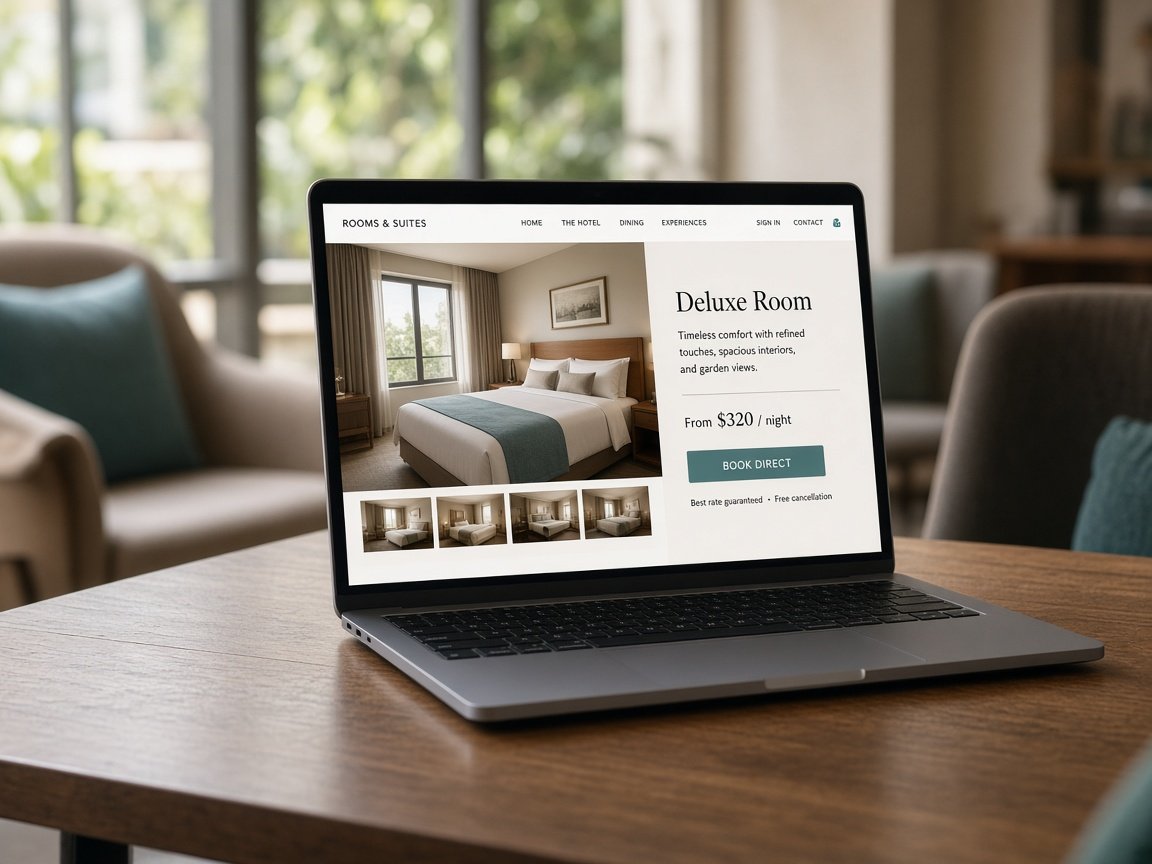
A Google/Ipsos study across several Asia-Pacific markets found that almost four in five surveyed travellers in Thailand and India change a travel choice before they book. The hotel website has to do more than list the rooms. It has to help the guest compare and feel sure about that choice.
A study in Thailand with 510 respondents found that price and cancellation terms together affect booking intention. If the page shows a rate but the guest has to hunt for the conditions, doubt can appear at a key step.
These figures explain why a page should answer doubts at the decision moment. They do not mean that changing a page will raise bookings at the same rate for every hotel.
Source: Google / Ipsos
The ad talks about one offer, but the page they open shows something else
Room pages have photos and copy, but do not make the difference between types clear
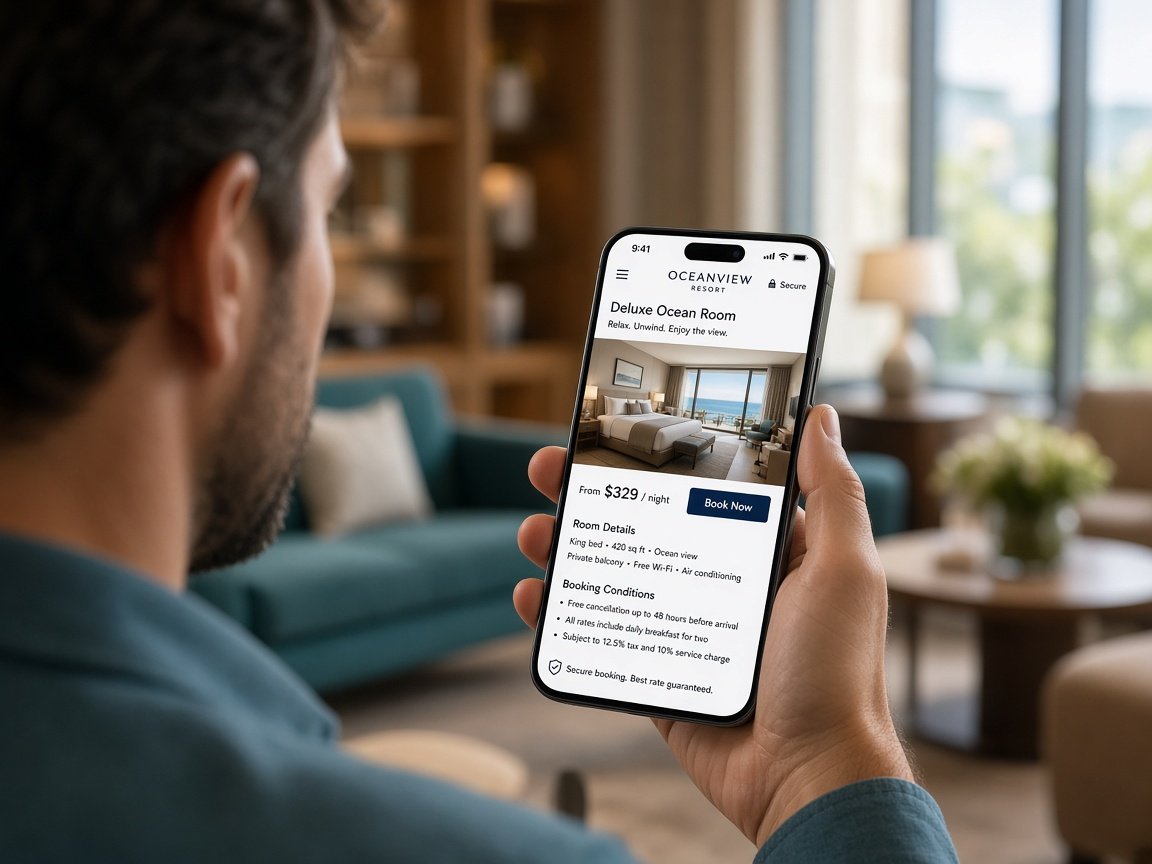
The rate, what is included, and the cancellation terms are hard to find
The book button is hard to see or hard to use on a phone
Tapping Book opens a new system whose look and facts do not continue from the website
The hotel sees book-button clicks, but does not know whether guests completed the booking or where they stopped
Look at the pages people visit most, the path to room pages, the buttons they tap, and where they leave, then try the path on a phone. We do not judge from a report alone.
Adjust the copy and the order of facts so guests see how rooms differ, the strengths, the location, the rate, the offer, and the conditions they need before they book.
Place Check availability, See rates, Book, or Enquire where it fits the page. We do not force every guest to tap the same button before they have the details.
Check whether the dates, room, rate, and offer the guest saw on the website match the booking system. If the engine sits on another domain, we review how far the path can be tracked across systems with the provider.
Order the changes that should come first, then compare before and after from the data that can be collected. If there is enough use and the system can support it, we may test more than one page or message.
This work starts from the hotel’s current website. We find where guests stop, then change the parts that make the enquiry or booking path clearer.
If the current structure or booking system limits the change, the team explains that limit before saying whether to adjust part of the site or build something new.
| Step | What we look at |
|---|---|
| Website visit | Which pages guests open, and which channel they came from |
| Interest in a room | They open room details, an offer, or a rate |
| Start of booking | They click into the booking engine or send a question |
| Completed booking | Bookings and revenue, when the booking system can send data that can be checked |
A click on Book is only the start. If the booking engine cannot send data back, we will not report that click as a completed booking.
Look at the website, analytics, key pages, and the booking engine.
Pick the pages or steps that matter most to enquiries and bookings.
The KPI Plus reviews copy, buttons, and the path. The hotel confirms rates, offers, and policy.
Look at changes in use, enquiries, starts of booking, and completed bookings as far as the systems can measure.
Direct Booking
Share your name, property, a contact detail, and an optional note. The team will reply to continue.