

- Objective
- Platform sizing, not a hotel campaign objective
- Period
- Late 2025
- Market / audience
- Thailand
- Unit / definition
- people · Facebook advertising audience size in Thailand: people Meta’s ad tools estimate can be reached at country level
- Data status
- Industry estimate · not a hotel campaign result
Facebook and Instagram ads for hotels
Help the right people see your hotel, then give them a reason to enquire or book
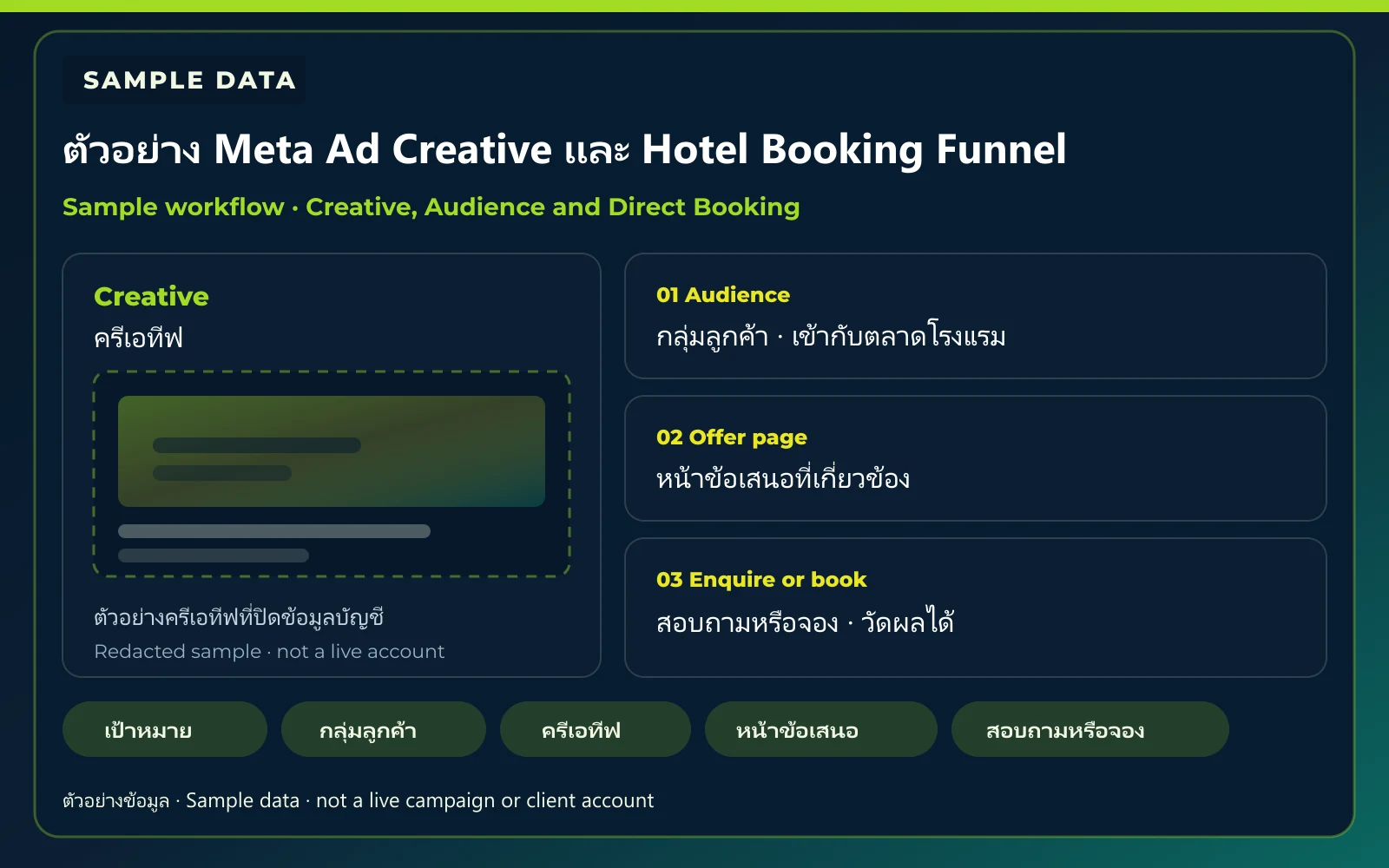
Meta Ads starts from a clear business objective. Audience and creative have to fit the hotel’s market. The ad should open a relevant hotel or offer page, and the path from the ad to an enquiry or direct booking should be measurable. The KPI Plus supports review and optimization where the service is approved.
Send the hotel name and a page or website link to start the conversation.
01 Objective02 Audience03 Creative04 Landing / Chat05 Enquiry or booking
 Sample Visual
Guests are on the platforms, but reach alone is not the plan
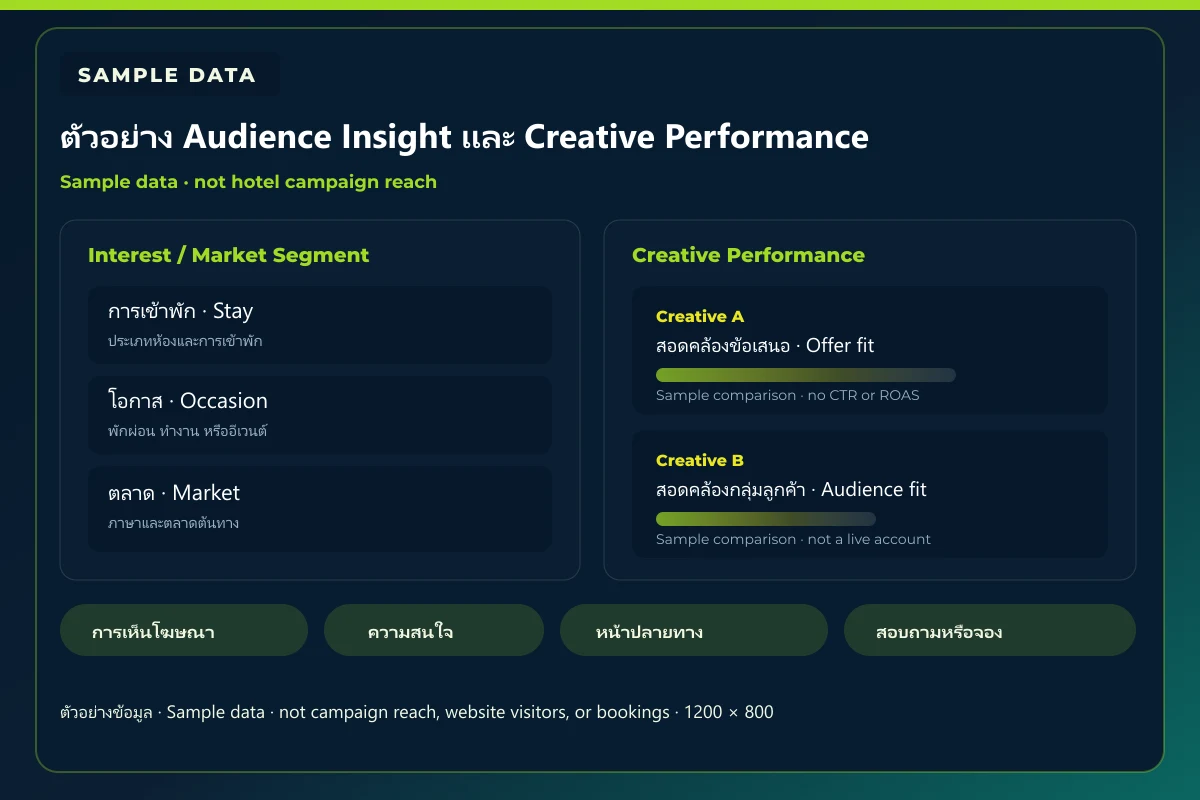
A platform audience estimate only shows how many people in the country can be reached with ads. It is not the hotel’s potential reach, not campaign reach, and not website visitors or enquiry or booking results. The hotel still has to choose an audience and interests that fit its market, then match creative to a page those people can continue on.
 Sample Visual
- 01
Platform audience estimate
How many people in the country can be reached with ads, according to the platform tools. Not one hotel’s audience.
Country figures below
- 02
Potential reach
The subset a hotel might reach after market, interest, and offer choices. Narrower than the country estimate.
Not shown as a hotel result
- 03
Campaign reach
People who actually saw the ads in a campaign period. Used only with an approved period and data status.
Hidden until approved
- 04
Website visitor
People who reached the hotel page or offer after seeing or clicking an ad. Not the platform audience size.
Hidden until approved
- 05
Lead or booking result
An enquiry or booking that can be checked. A hotel result only with an approved definition, period, and status.
Hidden until approved
Facebook and Instagram marks identify the platforms named in the cited source. They are not a client-account screenshot and not a Meta endorsement.
Platform audience estimate

20,6 млн
Sample data
- Objective
- Platform sizing, not a hotel campaign objective
- Period
- Late 2025
- Market / audience
- Thailand
- Unit / definition
- people · Instagram advertising audience size in Thailand: people Meta’s ad tools estimate can be reached at country level
- Data status
- Industry estimate · not a hotel campaign result
The figures below are country-level advertising-audience estimates from DataReportal, not a hotel campaign result. Facebook and Instagram users can overlap.
Meta Ads Readiness Framework
Meta Ads Readiness Framework
Bring the repeated issues — objective, audience, creative, landing page, enquiry or booking path, and measurement — into one matrix before extra spend.
| Area | Problem or current state | What to inspect | What to improve | Expected output |
|---|---|---|---|---|
| Objective | The campaign goal is unclear | Awareness, Lead, Inquiry, or Booking goal | Define objective and conversion event | Campaign Objective Plan |
| Audience | Audience is too broad or not aligned | Market, interest, behavior, and past visitors | Segment by intent and market | Audience Map |
| Creative | Creative does not match audience | Hook, message, offer, and format | Build a creative matrix | Creative Matrix |
| Landing Page | Ad and page do not match | Relevance, CTA, mobile, and speed | Improve destination page | Landing Page Checklist |
| Booking / Lead Path | User cannot move easily to inquiry or booking | CTA, booking engine, and contact path | Reduce friction | Conversion Path Review |
| Tracking & Optimization | Results cannot be attributed | Pixel/events/UTM and booking event | Define measurement plan | Tracking Plan |
Sample VisualMeta Ads Readiness Framework — SampleSample framework · Objective to Tracking
- ObjectiveCampaign Objective Plan
- AudienceAudience Map
- CreativeCreative Matrix
- Landing PageLanding Page Checklist
- Booking / Lead PathConversion Path Review
- Tracking & OptimizationTracking Plan
Sample framework · not campaign results or live Reach
Objective-to-Booking Map
Connect Meta Ads to the hotel’s sales objectives
Match each Objective to an example action, destination page, KPI, and expected output. KPI names are not a hotel campaign result.
| Objective | Example action | Destination page/action | KPI | Expected output |
|---|---|---|---|---|
| Awareness | Introduce the hotel and destination | Hotel or destination page | reachfrequencyvideo view | market and creative learning |
| Consideration | Show rooms, facilities, and offer | Room or offer page | CTRlanding page view | qualified interest |
| Inquiry | Encourage contact or lead submission | Contact, chat, or lead form | leadcost per lead | inquiry list |
| Direct Booking | Send users to booking engine | Booking page | bookingconversioncost per booking | direct booking opportunity |
| Remarketing | Reconnect with previous visitors or viewers | Offer or booking page | return visitbookingROAS | re-engagement performance |
Sample VisualMeta Ads Objective to Booking Map — SampleSample map · Objective to KPI
- Awarenessreachfrequencyvideo viewmarket and creative learning
- ConsiderationCTRlanding page viewqualified interest
- Inquiryleadcost per leadinquiry list
- Direct Bookingbookingconversioncost per bookingdirect booking opportunity
- Remarketingreturn visitbookingROASre-engagement performance
Sample map · KPI names are not a hotel result
Campaign Workflow
Review the ads and the booking, not clicks alone
Campaign work runs in six steps: Audit, Plan, Create, Launch, Optimize, and Report. Each step has an owner, input, action, output, and a next decision.
- 01AuditAds and Tracking Checklist
- 02PlanCampaign Brief
- 03CreateCreative Matrix
- 04LaunchQA Checklist
- 05OptimizeOptimization Log
- 06ReportPerformance Summary and Next Action
- 01
Audit
Ads and Tracking Checklist
- Owner
- The KPI Plus with the hotel
- Input
- Website, page, booking system, current Meta Ads, target market
- Action
- Review the objective, audience, creative, landing pages, the booking path, and what can be measured
- Output
- Ads and Tracking Checklist
- Next decision
- If the site, booking path, or tracking is not ready, the hotel decides whether that comes first
- 02
Plan
Campaign Brief
- Owner
- The KPI Plus sets the plan. The hotel approves the offer
- Input
- Ads and Tracking Checklist, audience, budget, and the offer
- Action
- Separate audience groups and set campaign structure, destination pages, and measurement
- Output
- Campaign Brief
- Next decision
- The hotel approves the offer, rate, and budget that can go live
- 03
Create
Creative Matrix
- Owner
- The KPI Plus prepares creative. The hotel approves brand message
- Input
- Campaign Brief, approved offer, and photos or copy the hotel allows
- Action
- Pair audience, offer, and destination into ads that can go live
- Output
- Creative Matrix
- Next decision
- The hotel approves creative and guest or legal claims before launch
- 04
Launch
QA Checklist
- Owner
- The KPI Plus launches. The hotel confirms the live offer
- Input
- Campaign Brief, Creative Matrix, approved offer, and tracking setup
- Action
- Build the campaigns, check ads, landing pages, and tracking, then go live
- Output
- QA Checklist
- Next decision
- Extra clicks are not bought if the guest cannot reach booking, unless the hotel decides to continue
- 05
Optimize
Optimization Log
- Owner
- The KPI Plus reviews. The hotel decides the next change
- Input
- QA Checklist, who saw the ads, landing-page behaviour, and enquiry or booking-path actions
- Action
- Adjust audience, budget, creative, and destination pages from data that can be checked
- Output
- Optimization Log
- Next decision
- Unapproved figures are not used as proof of result
- 06
Report
Performance Summary and Next Action
- Owner
- The KPI Plus reports. The hotel decides the next action
- Input
- Optimization Log, tracked actions, and cost against useful results
- Action
- Summarise what can be measured and recommend the next change
- Output
- Performance Summary and Next Action
- Next decision
- The hotel decides whether to keep, pause, or change the plan
Sample VisualMeta Ads Campaign Workflow — Sample processSample process · Audit to Report
- AuditInspect ads and trackingAds and Tracking Checklist
- PlanSet the campaign briefCampaign Brief
- CreateBuild the creative matrixCreative Matrix
- LaunchGo live after QAQA Checklist
- OptimizeChange from checked dataOptimization Log
- ReportSummarise and decide nextPerformance Summary and Next Action
What changes between Audit, Launch, Optimize, and Report, not a meeting photo
Creative Matrix
Match audience, message, format, destination, and KPI
This matrix is a planning framework, not campaign results. Figures stay hidden until approved data exists.
- Audience
- Message
- Format
- Destination
- KPI
| Creative preview | Audience segment | Market/language | Creative hook | Offer or message | Format | Landing page | Primary KPI | Status |
|---|---|---|---|---|---|---|---|---|
Short Video | Weekend Traveller | Thai | A stay close to the destination | Weekend stay offer | Short Video | Weekend Offer | Landing Page ViewBooking | Draft |
Carousel | Family Traveller | Thai | Stay together as a family | Family stay offer | Carousel | Family Offer | Inquiry | Draft |
Story | Previous Website Visitor | English | Ready when you are | Direct-booking reminder | Story | Offer or booking page | Return visitBooking | Draft |
Image | Direct Booking Seeker | Thai | Book direct from this page | Direct rate | Image | Booking page | Booking | Draft |
Planning sample rows, not ad-account results or bookings
KPI and Tracking
Separate platform metrics from business metrics
Separate platform metrics from business metrics. Reach, Frequency, Impressions, CTR, and engagement are not a revenue result. Figures are shown only with Approved, Anonymised, or clearly labelled Sample status.
Platform metrics
Reach, Frequency, Impressions, CTR, and engagement are not a revenue or booking result
- ReachPeople who saw the ad at least once in the review period. Not a revenue result
- FrequencyAverage times a person saw the ad in the review period
- ImpressionsTimes the ad was shown, not a booking or revenue result
- CTRClicks as a share of impressions
- Landing Page ViewTimes a guest reached the destination page from the ad, when tracking allows
- Video View / EngagementVideo views or engagement when relevant to the objective. Not a revenue resultWhen relevant to the objective
Business metrics
Lead, booking-engine start, booking, cost per result, and ROAS only with checked and approved data
- Lead / InquiryAn enquiry or lead that can be checked
- Booking Engine StartTimes a guest started the booking engine, when tracking allows
- Booking CompleteA tracked completed booking. Hidden on the public page until approved
- Cost per LeadAd cost against a checked lead
- Cost per BookingAd cost against a tracked booking
- ROASTracked booking revenue against ad cost, only with approved data
- 01Reach / ImpressionsNot a revenue result
- 02Landing Page ViewGuest reached the destination page
- 03Lead / InquiryA checked enquiry
- 04Booking Engine StartStarted the booking path
- 05Booking CompleteA tracked booking
Sample VisualMeta Ads Performance KPI · Sample dataSample data · Performance KPI frame
Platform metrics
- Reach
- Frequency
- Impressions
- CTR
- Landing Page View
- Video View / Engagement
Business metrics
- Lead / Inquiry
- Booking Engine Start
- Booking Complete
- Cost per Lead
- Cost per Booking
- ROAS
Sample frame, no Reach, CTR, booking, or revenue figures. Reach is not a revenue result
How far bookings and revenue can be measured depends on the website, booking system, and tracking the hotel already has. The team checks what can actually be measured before agreeing the report.
Tracking Boundary
What can be measured depends on the website, booking engine, and tracking already in place. Figures that cannot be checked are not used as proof of result.
- Only events the hotel allows to be installed can be measured
- Enquiry, booking-engine entry, and a tracked booking are used when the system supports them
- Bookings, revenue, and ROAS stay off the public page until the hotel approves the data
- The hotel approves tracking setup and reporting
Supported events
Use only the events the hotel allows, and only as far as the website or booking engine supports. Nothing is installed beyond that approval.
- PageView — when the hotel allows a page-view event
- Contact or Lead — when an enquiry or message path exists
- InitiateCheckout — when the guest can enter the booking engine
- Purchase — when a booking can be tracked and the hotel approves reporting it
Landing Page Checklist
Review the destination page before extra spend, so the ad opens a relevant page and the guest can continue into booking.
- The ad opens a page that matches the offer, not only the homepage
- Rate, offer, and availability on the page match what can be sold
- The booking button and path work on a phone
- The destination page is clear, usable, and can measure the next action
Hotel Scenario Matrix
Start from the hotel’s real situation
Pick the closest hotel situation, then see the first diagnostic question, the starting action, and the output before extra spend.
| Situation | First diagnostic question | Recommended starting action | Output | Next decision |
|---|---|---|---|---|
| New hotel or new market | Does this market already know the hotel? | Start with Awareness and Audience Test | Market and Creative Learning | Decide whether to keep testing awareness or move to an offer page |
| Website exists but booking is low | After the click, can a guest enquire or book? | Start with Landing Page and Conversion Path Review | Booking Path Checklist | Decide whether the booking path must be fixed before more ads |
| Existing website visitors or customer base | Is there a tracked list of previous visitors or customers? | Start with Remarketing and Offer Test | Remarketing Plan | Decide whether an offer can go live for that audience |
| Campaign exists but results are unclear | Can an enquiry or booking from the ads be checked? | Start with Tracking and Attribution Review | Measurement Plan | Decide what can be reported, and what stays unclaimed until tracking is ready |
Sample VisualHotel Meta Ads Scenario Matrix — SampleSample matrix · Start from the hotel situation
- New hotel or new marketStart with Awareness and Audience TestMarket and Creative Learning
- Website exists but booking is lowStart with Landing Page and Conversion Path ReviewBooking Path Checklist
- Existing website visitors or customer baseStart with Remarketing and Offer TestRemarketing Plan
- Campaign exists but results are unclearStart with Tracking and Attribution ReviewMeasurement Plan
Sample map · not a hotel or person photo
Related Content
Related reading on Meta Ads and hotel marketing
Read existing hotel marketing, direct-booking, conversion-tracking, and SEO and SEM pages.
Sample VisualMeta Ads / Hotel Marketing ContentSample visual · 3:2 hotel marketing content frame
- Creative Review
- Campaign Report
- Audience Workshop
- Remarketing Funnel
- Hotel Marketing Planning
Digital-маркетинг отеля
Что такое маркетинг отеля? 8 способов увеличить бронирования и доход
Маркетинг отеля связывает Google, OTA, сайт, прямое бронирование, дистрибуцию и revenue management, чтобы гости находили, сравнивали и бронировали по понятной картине.
· Insight · 10 мин
Читать статьюSEO и локальный поиск
SEO vs SEM для отелей: с чего начать
SEO и SEM играют разные роли в спросе отеля. Этот материал помогает выбрать старт из бизнес-вопроса, search intent и реального пути к прямому бронированию.
· Insight · 3 мин
Читать статьюПрямое бронирование
Проверить путь прямого бронирования отеля
Как проверить путь гостя от интереса до уверенного прямого бронирования, не предполагая, что проблема только в объёме трафика.
· Insight · 4 мин
Читать статьюSEO and SEM
Управление Google Ads
Plan Google Ads for hotels from the search and the ad through the website, rate, and booking path. Bookings are not guaranteed.
Solution
View serviceSEO and SEM
SEO, Google Maps и AI Search
Hotel SEO and local search support for useful discovery, accurate local context, Google Business Profile presence, and clearer guest actions.
Solution
View serviceConversion Tracking
Конверсия сайта и прямые брони
See what stops a website visit from becoming a booking, then make the direct-booking path clearer.
Solution
View serviceMeta Ads
Talk about Meta Ads for the hotel
Send hotel details, the website, and the sales goal so the team can review the ads account, audience, creative, the page, the booking path, and tracking.
What the hotel receives from starting a Meta Ads review
- Meta Ads Account ReviewReview the current Meta Ads account, or the starting point if there is not one yet
- Audience and Creative ReviewReview the audience, what makes the stay distinctive, and the creative used
- Campaign Objective PlanMatch campaign objectives to the hotel’s sales goal, without a promised result
- Landing Page / Booking Path ReviewSee which page the ad opens and whether the guest can continue into booking
- Tracking and Measurement PlanPlan how enquiry or booking can be measured with the Pixel and current setup
What Happens Next
- 01Send hotel details and the sales goal
- 02The team reviews Audience, Creative, Landing Page and Tracking
- 03Summarise Campaign Direction and what to prepare
- 04Arrange a conversation on Scope, Budget and Next Action
Частые вопросы
They fit hotels with a clear sales goal, a defined audience, and a path after the click — such as a message, an enquiry, or a step into booking. Hotel size is not the main filter. Fit depends on the offer, the market, and whether the guest can continue after seeing the ad. That does not mean every hotel should start with a direct-booking campaign.
Start from the hotel’s sales goal, not a fixed order. Awareness fits when the hotel is not yet known. Lead or enquiry fits when the team can reply. Direct Booking fits when the destination page and booking path can take the guest through. The team checks readiness before choosing the objective. This page does not state a conversion rate or a time to result.
Not for every objective. A message or enquiry path can start without a booking engine. Direct booking and booking measurement need a website or booking path the guest can continue into. The team reviews what already exists. The hotel decides when to add a system.
There is no fixed number. Creative should match the audiences, offers, and destination pages in use. Clarity and fit matter more than a count of assets. This page does not set a creative quota.
The hotel approves the budget and the promotion, including rate, offer, and the dates it can run. The team proposes campaign structure, audience, and creative from the information available. The hotel then decides the spend, the offer, and the period that can be sold.
They are used only for events the hotel allows, and only as far as the website, booking system, and consent settings support. The purpose is to measure what can be checked, not to guarantee bookings. Setup is agreed with the hotel before data is collected.
It depends on the website, the booking engine, and the tracking already in place. The team plans from what can actually be measured — such as a page view, an enquiry, a step into the booking engine, or a tracked booking. Figures that cannot be checked are not used as proof of result.
It needs a method the hotel has allowed to recognise people who already saw an ad or visited the site, such as a Pixel event that can be used, plus a relevant page or offer. Without that signal, remarketing cannot be set up. A complete customer list is not required before the review. This page does not state a reachable audience size.
Yes, for the markets and languages the hotel sets. The team separates audience, creative, and destination pages for the agreed markets. That does not mean every country or language is launched at once.
After a campaign is live, the team reviews from data that can be checked. How quickly that data builds depends on budget, audience, and behaviour after the click. This page does not set a number of days or weeks before optimisation or results appear.
Reporting rhythm is agreed in the scope for each hotel. The output is a Performance Summary and Next Action from what can be measured. The hotel decides whether to keep, pause, or change the plan. This page does not set a daily or weekly frequency.